For offices
01AccountingAsk each client only for what’s missing.→02NotariesThe AI works in your office, beside your files.→03LawA conflict search, ready before you call back.→For companies
04PlantsWhen your estimator retires, keep what they know.→05DistributorsKnow the landed cost before you order.→06OperatorsEvery business you own, in one view.→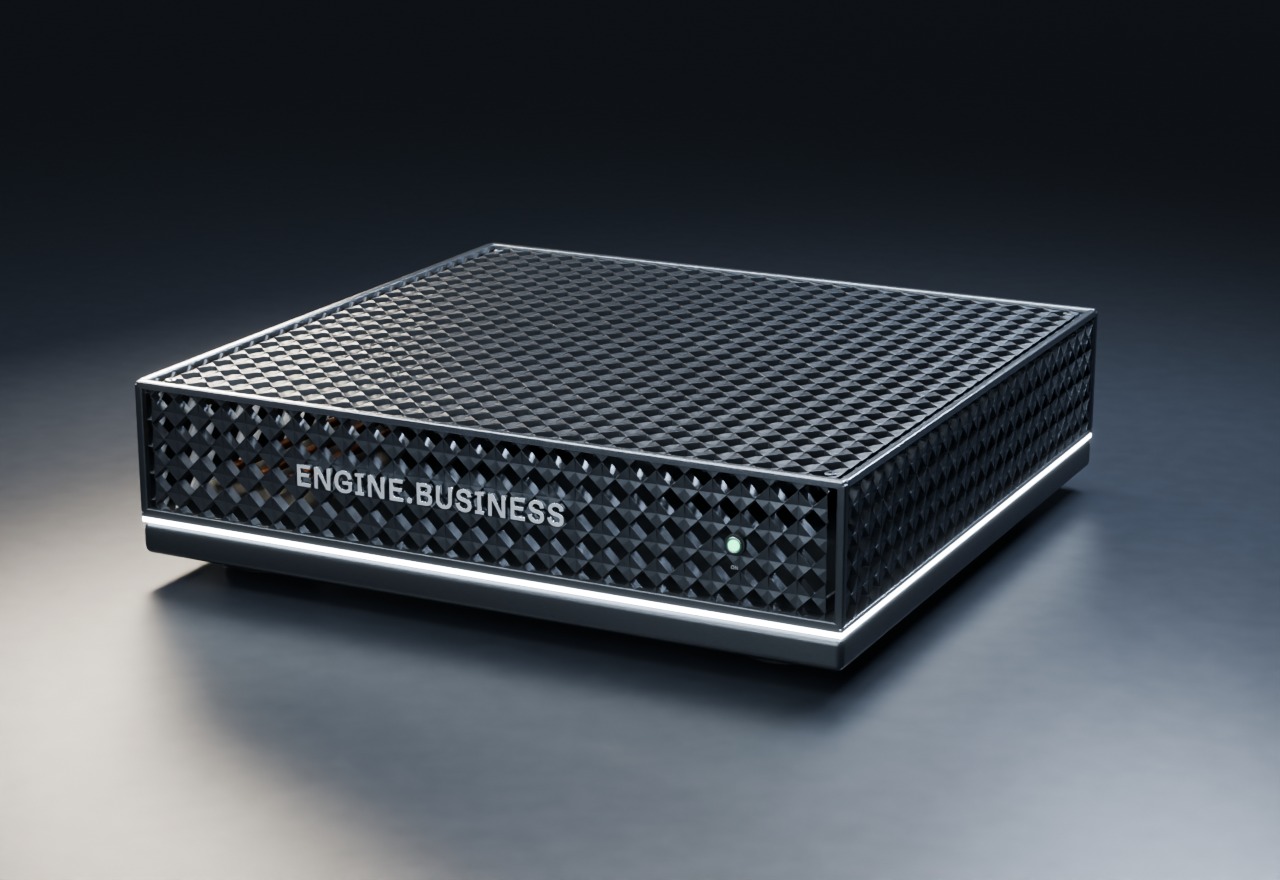
- RRSP receiptMissing
- T5 · DesjardinsMissing
- T4 · employerReceived
- Certificat de localisationManquant
- Preuve d’assuranceManquant
- Pièce d’identitéReçue
- Parties checked3
- Possible linkFormer matter, 2022
- SourceShown for each match
- Last quoted2023 · C$12.80
- ReasonRepeat order, no rush fee
- Confirmed byR. Gagnon
- Supplier priceQuote, p. 1
- Freight and dutyBroker table
- Counter-tariffAdded before you order
- StoresPOS export · Oct 6
- CafésOther POS · Oct 6
- WholesaleLedger · Oct 5
Engine B
Installed on your computers and kept running by our engineers.
Next Insurance brokers, defence and aerospace suppliers, and dental clinics.
All industries →Sovereignty
For the work that can’t leave the building.
Most firms can use a cloud AI, and it costs less. If yours can, we’ll say so. When a law, a licence or a client keeps the files in, the engine runs on a box in your office.
A Canadian data centre is still someone else’s building. The engine runs in yours.
- The AI
- On the box, in your building
- Cloud AI
- Only the tasks you allow, or none
- Our access
- Off until you open a session
Per-task rules, and our access staying off by default, come with launch.
Why firms need it
Our drawings are controlled goods.
Defence and aerospace suppliers
Only registered people may examine controlled goods. Federal guidance expects the data on servers in Canada, and warns that a provider’s support staff seeing it can put them at risk.
The box sits in your plant with cloud AI off. Our remote access stays off unless you open a session.
We settle our own standing with the Controlled Goods Program before our first defence install.
Client files are privileged.
Law firms
Bar guidance says entering privileged information into a public AI system is a breach, even if nothing is disclosed. Closed systems kept in-house reduce the risk.
The AI runs on a box in your firm. Privileged matters use local AI only.
Records stay in the office. Backups go in the vault.
Notarial firms
Your records rules keep files in your office, and software and backup copies in a fire-rated vault.
The box works beside your files, in your office.
We plan backups and software copies made for your vault.
Patient files can’t go to an outside AI.
Clinics
Your province’s privacy and health laws can require an assessment and a written agreement before personal information is sent out of the province.
The AI step happens in your clinic, so it sends nothing out on its own. You still assess the box, and we give you what that takes.
Our books have to be kept in Canada.
Every business
The Income Tax Act keeps your books at your place of business in Canada. The CRA says records kept abroad and opened from here don’t count.
Once the engine holds your books, they sit on the box at your place of business.
Our client’s contract says no outside AI.
Suppliers and professional firms
Some client contracts limit who may process their files, and where.
That client’s files use local AI only, and you can show them every outside connection.
A summary, not legal advice. Your lawyer or your order has the last word.
One door
- Quotes and marginsCommercial● Local AI only
- Employee filesPersonal● Local AI only
- Controlled drawingsDefence work● No cloud AI
- Supplier emailsNames taken out firstCloud AI, if you allow
- Public researchRates, rulings, newsCloud AI, within your cap
Every AI,
one door.
The AI in the box does most of the work. Cloud AI gets only the tasks you allow, under a cap you set, or none at all.
The rules for each task, and a log of every outside call, come with launch.
Through the door
- ChatGPT
- Claude
- Gemini
- Grok
- Muse Spark
- Mistral
Every outside connection,
listed.
Some things do leave the box: updates, links to your software, and cloud tasks you allow. We name each one, with its country.
We publish the full list before launch.
| Connection | Who | When |
|---|---|---|
| UpdatesSigned | Engine B · Canada | When you approve |
| Remote supportLogged | Engine B · Canada | When you open a session |
| Your softwareAccounting, files, email | Your vendors | Only links you set up |
| Cloud AIPer task | Provider you choose · its country | Only tasks you allow |
What we commit to
Today
Open models run on the box. Cloud AI is optional, and no per-use fees apply to the AI in the box.
Before launch
Personal, privileged, health and controlled files use local AI only, unless you allow a task.
Our engineers reach the box only when you open a session. Each session is logged.
The task, the model, the provider, its country, and who allowed it.
Written into your contract.
Signed, installed when you say, with a way back.
Your data in open formats, and the box wiped, with a certificate.
A system description, a data map and the list of outside connections.
What it isn’t
No product does. You still assess the box; we give you the inputs.
Updates, links to your software and cloud tasks you allow leave the box. Each one is listed.
We hold no security certification today, and we don’t say otherwise.
If your files can go to a cloud AI, that costs less. We’ll say so.
Questions
- Isn’t a Canadian data centre enough?
- For many tasks, yes. Ottawa’s own framework says storing data in Canada doesn’t guarantee it is out of reach of foreign courts. The same framework found no documented case of a foreign government seeking such data. The box takes the question off the table for the work you keep local.
- Can we still use ChatGPT, Claude or Gemini?
- Yes, through the one door, task by task. You choose which tasks may use which model. Each call is logged and billed at the provider’s price, under a monthly cap you set.
- Who is Engine B?
- A Canadian company. Our engineers install the box in your building and keep it running.
Tell us what has to stay in.
In a 30-minute demo, we show the engine on work like yours, with the door set the way your rules need.